
1win Online Malaysia: Using the Web Version
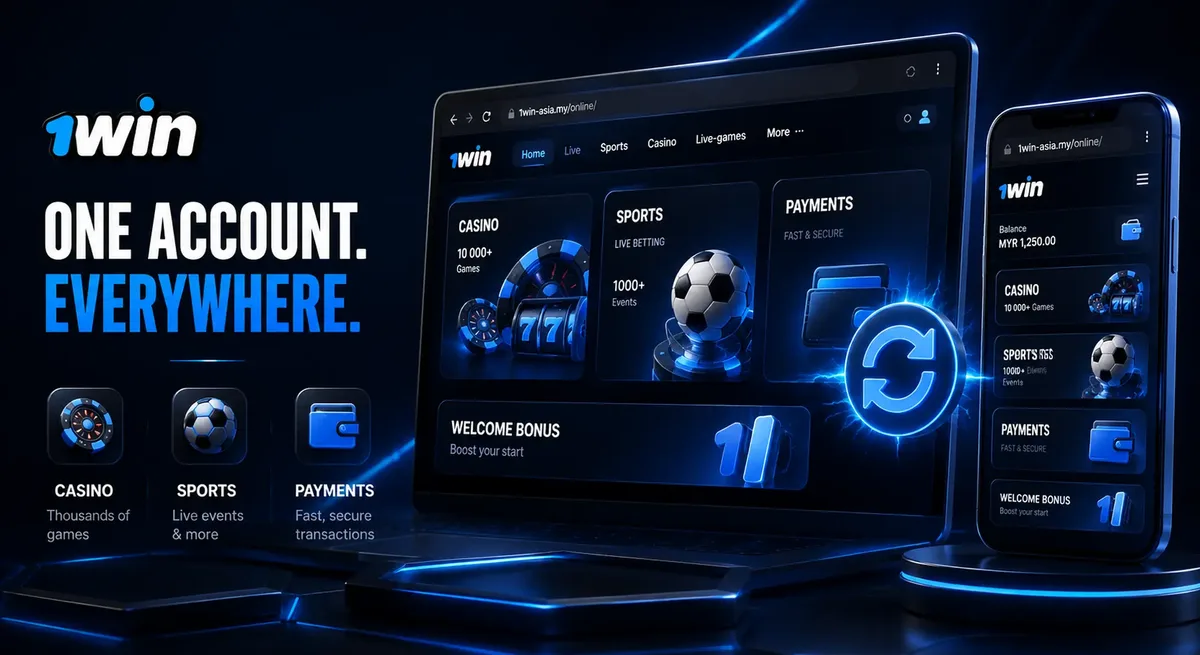
1win online means using 1win-asia.my in a regular web browser, on desktop or on a phone, with the same account and balance as the app. Nothing to install, no storage used, and it works the moment the page loads.
This guide covers the essentials: navigation, how your login session behaves between web and app, which browsers handle it well, fixing common problems, and confirming you’re on the genuine site. It also covers when the web version genuinely beats the app on a Malaysian smartphone, including adding 1win-asia.my to your home screen.
Key Takeaways
- 1win online means opening 1win-asia.my in a browser — nothing to install, same account and balance as the app.
- Cookies and session data keep you logged in on the web; clearing them means signing in again.
- 1win-asia.my works well in any recent Chrome, Safari, Firefox, Edge, or Samsung Internet.
- Always check for https:// and the exact domain 1win-asia.my before signing in, not a similar-looking copy.
- Add 1win-asia.my to your phone’s home screen for one-tap access without a full app install.
Website or App? What Playing 1win Online Actually Means
Using 1win online simply means opening 1win-asia.my in a browser and signing in — nothing to install, and it works the same way on a laptop or a phone.
The app is a separate, optional channel to that same account, not a requirement. Sign in through the browser exactly as you would through the app: same username, same password, same balance. Setting up an account happens on the registration page, not here.
The practical difference is just the door you walk through. It needs no download. The app needs a one-time install but can feel quicker to reopen once it’s on your device.
Desktop Browser vs Mobile Browser: What Changes
On a desktop browser, 1win shows a wider layout with more of the menu visible at once. On a phone, the same menu collapses into a compact nav bar, but nothing about your account changes between the two.
Desktop gives you room to keep the account area open in one tab and browse the rest of the site in another. Tables and multi-step forms are also easier to read without zooming.
Mobile trims the same menu into a hamburger icon or bottom bar, with bigger touch targets and a lighter page, since phones spend more time on mobile data than a fixed connection. That’s a layout choice, not a feature cut — everything on desktop stays reachable on mobile, just organised for a smaller screen.
Which one’s better? Neither, really — it depends on the screen in front of you.
Finding Your Way Around the Site
The main menu on 1win-asia.my groups sports and casino sections at the top, with a search icon, an account icon for balance and cashier, and a menu for settings and support.
Once you’re signed in, the account icon is the fastest route to balance, deposit and withdrawal screens, and profile settings, staying in the same spot across sports and casino sections. Typing a game or team name into search is usually quicker than clicking through categories.
The layout stays consistent site-wide, so learning it once covers the whole platform rather than a single section.
One Account, One Balance: Staying Logged In Between Web and App
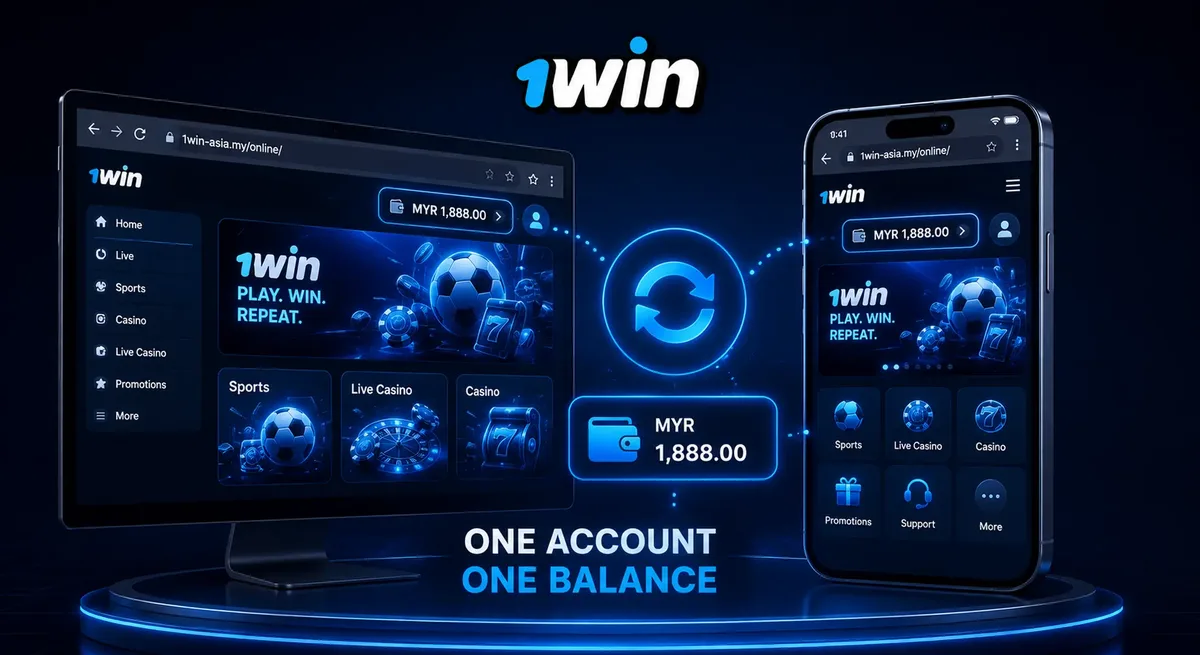
1win uses one account and one balance across the website and the app. A deposit made on the website shows up in the app, and the other way round too — there’s no separate wallet to track.
The browser side works a little differently in how it remembers you’re logged in. That depends on cookies and session data stored locally, not on anything special about your account. Clear your cookies, switch to a private window, or open a different browser, and you’ll need to sign in again. That’s expected behaviour, not a sign of anything wrong on your end.
If you don’t have an account yet, setting one up is covered on the registration page. Once you’re signed up, the browser and the app are simply two doors into the same room.
1win Online vs the App: Side-by-Side
The web version needs no download and opens in any browser. The app takes a small install but can feel quicker to reopen. Account, balance, and content stay identical either way.
| Aspect | Web Version (Browser) | App (Android/iOS/Windows) |
|---|---|---|
| Setup | None — open 1win-asia.my and sign in | One-time install or direct download |
| Device storage | None | A small amount, varies by device |
| Updates | Automatic, server-side | Occasional app updates |
| Account and balance | Same | Same |
| Best for | Quick checks, shared devices | Regular daily use |
| Return visits | Bookmark the address | Tap the app icon |
Think about the device, not the platform: your own phone leans toward the app, a borrowed laptop or a one-off check leans toward the web version. Full install steps live on the app page.
Browsers That Work Well With 1win
1win-asia.my works well in any recent version of Chrome, Safari, Firefox, Edge, or Samsung Internet. Keeping a browser reasonably up to date matters more than which one you use.
Very old versions, or builds loaded with content-blocking extensions, are the more common source of pages that look broken or load slowly. Not the site itself, more often than not. If your usual one feels sluggish, updating it is usually faster than switching to a different one.
Fixing Common Browser Problems
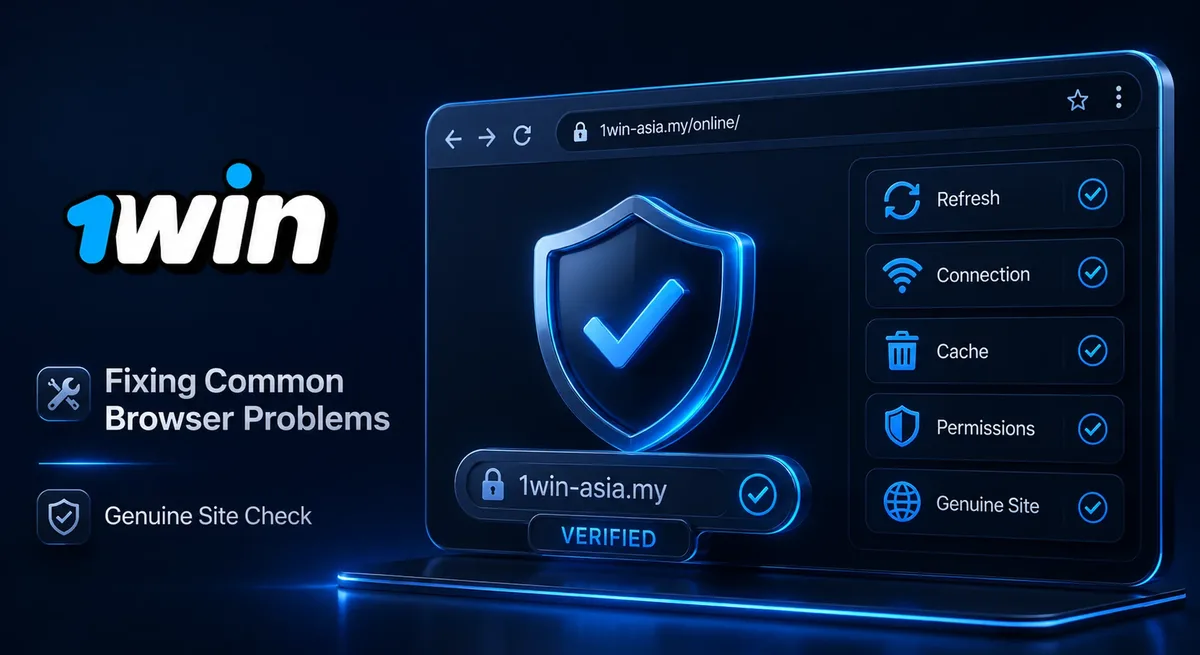
If 1win-asia.my looks broken or won’t let you log in, the cause is usually the browser, not the account. A stale cache, blocked cookies, an ad blocker, or a private window can each interfere with how the site loads.
Try these, in order:
- Clear the browser’s cache and cookies for the site, then reload.
- Allow cookies for 1win-asia.my specifically, even if you block them elsewhere.
- Turn off ad blockers if the page won’t render.
- Use a normal window instead of private/incognito mode if login keeps failing.
- Restart it fully, especially after clearing cache.
If none of that helps, support runs around the clock and can check what’s actually going on.
Checking You’re on the Genuine Site
Check that the address bar shows https:// and the exact domain 1win-asia.my before signing in, not a similar-looking copy. The padlock icon is a quick visual check, but the domain spelling is what actually matters, since phishing pages often use a near-identical name with one letter changed. One swapped character. That’s often all it takes.
Bookmarking the real address, rather than relying on search-result ads or forwarded links, avoids this entirely.
1win operates under a Curacao gaming license, used across the group’s country sites. That’s a real license, but a foreign one: it doesn’t amount to approval from Malaysian authorities. This page, like the rest of the site, is intended for readers aged 18 and over.
Playing From a Malaysian Smartphone: When the Browser Wins
The browser is the better choice on a phone when you’re using someone else’s device, checking your balance quickly, or don’t have storage to spare.
For one-tap access without a full install, add 1win-asia.my to your phone’s home screen: on Android, that’s usually «Add to Home Screen» in the browser menu; on iPhone, it’s the share icon in Safari. Either way, you get an icon that opens straight to the site, without using app-store storage.
On an unstable mobile connection, a few habits help more than any setting: switch to Wi-Fi where available, close data-heavy tabs, and refresh once rather than tapping repeatedly, since repeated taps often queue up requests instead of speeding anything up.
Whichever way you get in, web or app, you’re reaching the same account and the same balance. The browser is simply the lower-commitment door — worth keeping in mind either way.
FAQ
Is 1win online the same account as the app?
Yes. One account and one balance work across the website and the app.
Why does the site log me out of my browser sometimes?
Clearing cookies, using a private window, or switching browsers ends the session, so you sign in again. Normal, not a problem.
Do I need to install anything to use 1win online?
No. Opening 1win-asia.my in a browser and signing in is all it takes.
How do I add 1win-asia.my to my phone’s home screen?
Use «Add to Home Screen» from your Android browser’s menu, or the share icon in Safari on iPhone.
How do I know I’m on the real 1win site and not a fake one?
Check the address bar for https:// and the exact spelling 1win-asia.my, and bookmark that address.
What should I do if the site is slow on mobile data?
Switch to Wi-Fi where available, close data-heavy tabs, and refresh once instead of tapping repeatedly.