
1win Registration Malaysia: Create and Access Your Account
Opening a 1win account takes a handful of steps: pick email, phone, or a linked social login, set a password, and confirm your details. Identity verification is a separate, later stage, usually requested only around a withdrawal. This guide also covers logging back in if you already have one, resetting a forgotten password, and fixing the sign-up or login errors that trip up new players most often in Malaysia.
Key Takeaways
- Register with email, phone, or a linked social account; the same login works on the website and the app.
- Identity verification (KYC) is a separate stage, generally triggered by a withdrawal, not by sign-up itself.
- Use a password unique to this login, and never share the OTP code with anyone, including «support.»
- Most login problems, such as the wrong method, a delayed OTP, or a temporary lock, clear up with a password reset or a check of the original registration method.
- 1win operates under a Curacao gaming license, not the same as Malaysian approval, so confirm the domain before you log in.
What You Need Before You Register
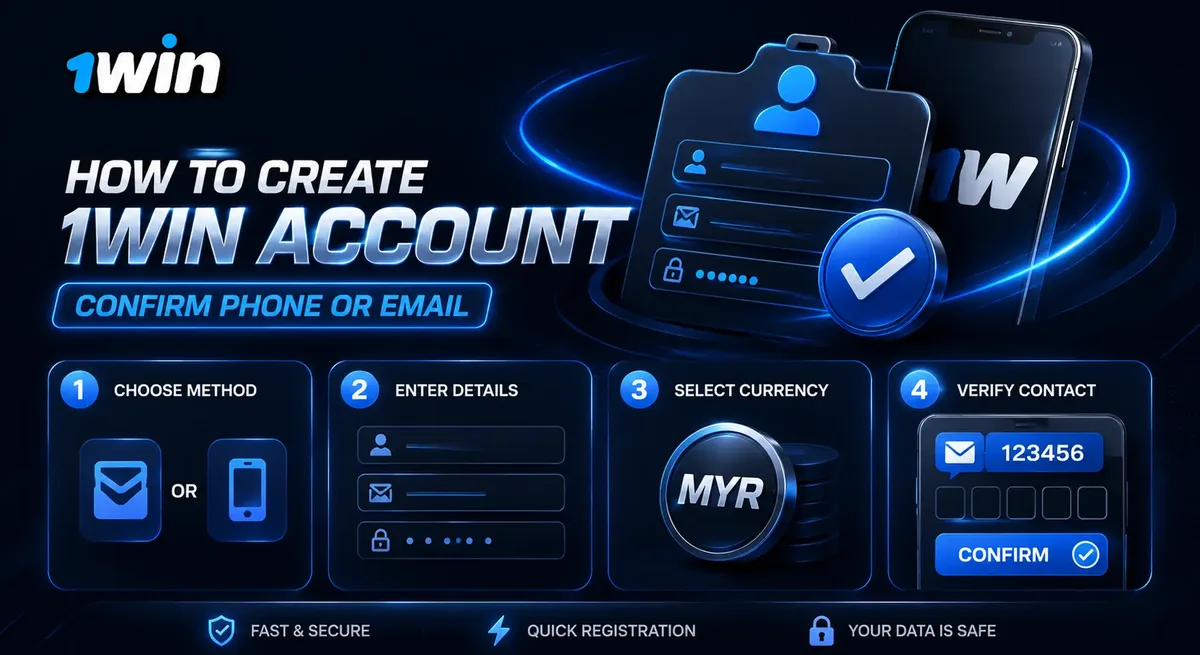
To register at 1win in Malaysia, you need to be 18 or older and have a working phone number or email address. Balances and betting figures on the Malaysia site are shown in MYR (RM), so there’s nothing to convert while you play.
Have these ready before you open the form:
- A phone number in the standard +60 format (for example +60 12-345 6789), or an email you check regularly
- A password you don’t already use elsewhere
- Your correct date of birth and personal details, since mismatches can slow down verification later
A typo in a phone number or email is the most common reason sign-up stalls, and it’s easy to catch before you submit.
How to Create a 1win Account — Step by Step
You can register at 1win using an email address, a phone number, or a linked social account. All three lead to the same dashboard, and the same login works on the website and in the app, so you set it up once.
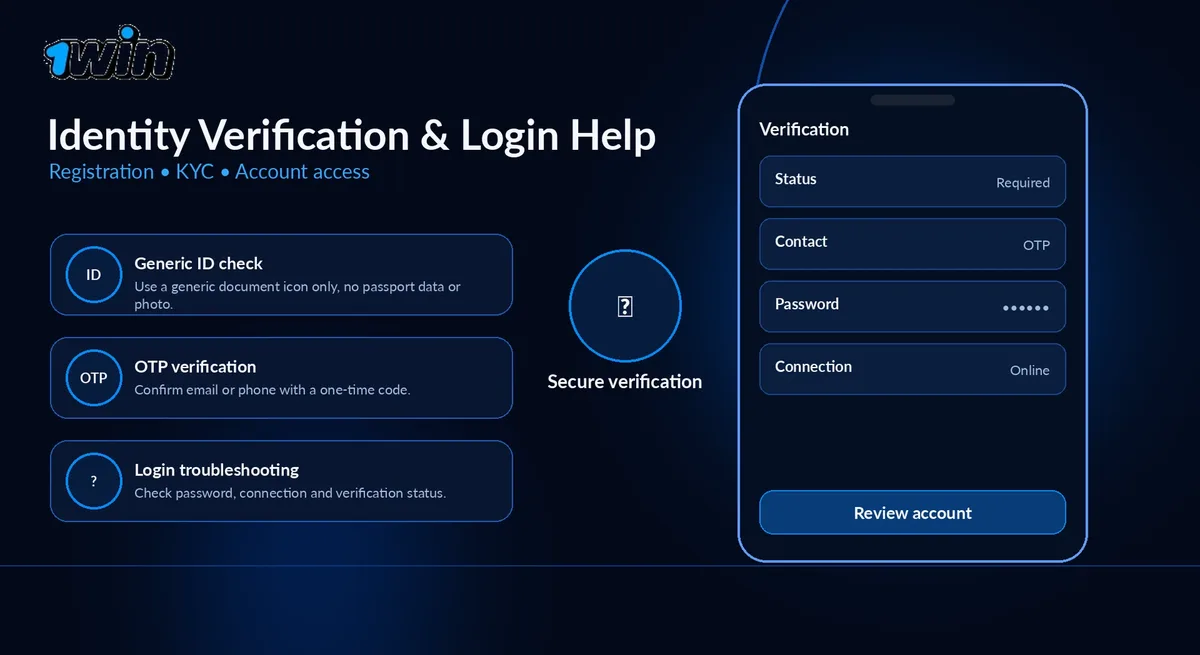
- Go to 1win-asia.my and select the registration button in the top corner of the homepage.
- Choose your sign-up method: email, phone number, or a linked Google or Facebook account.
- For email or phone, enter the detail and set a password. For a social account, confirm the connection instead.
- Fill in your personal details, including date of birth, accurately.
- Confirm registration through the code or link sent to your phone or email.
- Once confirmed, you land on the dashboard and can set a deposit method whenever you’re ready.
Social sign-up skips the manual password step by reusing the login you already have. Email and phone add one extra step, confirmation, with a password kept separate from other accounts.
Confirming Your Phone Number or Email
After you submit the registration form, 1win sends a short one-time code by SMS, or a confirmation link by email, depending on the method you chose. Entering the code, or clicking the link, activates it and finishes registration.
If nothing arrives within a few minutes, check that you typed the phone number or email correctly at step one. A misplaced digit is the usual cause, more often than a delivery delay. Requesting a new code from the same screen is normally the quickest fix.
Password Hygiene: Protecting Your New Account
A strong 1win password is unique to this login, combines letters, numbers, and a symbol, and isn’t reused from other email or banking logins. Password reuse, not a weakness in any single site, is behind most account takeovers in online gaming. Cutting corners here is how accounts get hijacked.
> Treat your OTP code and password the same way: private, never shared, entered only on the official 1win-asia.my login screen. Support staff won’t ask you for either.
Change your password immediately if you think someone else has seen it, avoid saving it in a shared browser on a public computer, and don’t reuse it elsewhere. If in doubt, reset it. That takes less time than a compromised account later.
Identity Verification (KYC) at 1win
Identity verification is a separate step from registration. Most players use an account for a while before being asked to verify anything, typically triggered by a withdrawal or unusual activity, though the exact trigger varies, not by signing up.
Verification, often called KYC, usually means uploading a clear photo of a government-issued ID, such as a passport or a national identity card. The name and date of birth need to match the registration details; a mismatch is the most common reason verification takes longer.
Once submitted, review is generally handled by the support team rather than an instant automated check; treat it as a background step.
Common Registration Errors and How to Fix Them
Most registration errors come down to one of a handful of causes, and nearly all are fixable without contacting support. Nothing dramatic, usually.
- «Email or phone already registered» — you, or someone using that detail before, likely already have an account. Try logging in instead, or use the forgot-password option below.
- Password rejected — it likely doesn’t meet the minimum length or character requirements. Add a number and a symbol.
- Phone number not accepted — check you’ve included the +60 country code and dropped any leading zero from the area code.
- Confirmation code not arriving — double-check the phone or email entered at sign-up before requesting a new code; a typo there is more common than a delivery problem.
- Form resets or won’t submit — often a browser issue. Clearing the cache or switching browsers usually fixes it.
If none of these fit, support can check the account status directly rather than you guessing at the cause.
Logging In to an Existing 1win Account
To log in, open 1win-asia.my, select Login, and enter the email, phone number, or linked social account you originally registered with. The same login works on the website and in the app alike.
One detail trips people up more than any other: the login method has to match how you first signed up. Register with a phone number, then try logging in with an email you didn’t add, and the system won’t recognize it. Typed everything correctly and still no luck? Check which method you used originally; a mismatch there is the usual culprit.
What to Do If You Forget Your Password
Select «Forgot password» on the login screen, and 1win sends a reset link or code to your registered email or phone. Follow it to set a new password, then log in as usual.
If you no longer have access to that email or phone number, the reset flow won’t reach you. Contact support directly instead. They can verify your identity another way and help you regain access.
Common Registration and Login Problems
Beyond a forgotten password, a handful of issues cause most login trouble in Malaysia. Most are minor.
- «I already have an account, but I can’t remember how I registered.» Try each method you might have used, email, then phone, then any linked social account, before resetting anything.
- Login details «not recognized.» Check for autofill errors, extra spaces, or a saved old password in your browser. Retyping the field manually resolves this more often than expected.
- OTP code delayed or expired. Codes are short-lived by design. Request a new one rather than waiting on one that’s timed out, and confirm your phone has signal.
- Temporary lock after failed attempts. After several failed logins, 1win locks it for a short period as a security measure. Waiting it out, or resetting your password, clears it.
- Logged in on one device but not another. Almost always a typing or autofill mismatch, since the same login works across web and app.
If a problem doesn’t match any of these, 24/7 live chat, email, and phone support can look at the account directly.
Is It Safe to Register With 1win in Malaysia?
1win operates under a Curacao gaming license, used across the group’s country domains. That’s an offshore license, not approval or regulation by any Malaysian authority. Bank Negara Malaysia and PayNet are useful independent references for financial consumer protection generally, but neither licenses or oversees 1win specifically.
The more practical safety step is on your end: confirm you’re on the correct 1win-asia.my domain before entering login details, since copycat and phishing sites are common in this space. We recommend bookmarking the real domain rather than searching for it each time. And never share your OTP code or password with anyone, including messages claiming to be from support.
With those basics covered, signing up here works like any other online registration: create it carefully, verify when asked, keep your credentials to yourself, and use the responsible-gaming tools in the account settings, deposit limits and self-exclusion among them.
FAQ
Is there a bonus for registering at 1win?
The welcome offer is generally described as up to 500% across the first four deposits rather than tied to registration alone. Exact terms show up in your account before you deposit.
Can I have more than one 1win account?
No. Registration is meant to be one account per person, matching the accurate details you provided at sign-up.
My ID doesn’t match the details I registered with. What should I do?
Contact support before resubmitting. A small mismatch, like a shortened name, is usually resolved quickly once support can see both records.
Can I change my registered phone number or email later?
This isn’t always something you can do yourself in account settings. Contact support with your details, and they’ll advise on the process.
Does the same account work on the 1win app?
Yes. Registering through the website or the app creates the same account, sharing one balance and one login.
Why do I keep getting locked out after failed login attempts?
Wait for the lock to clear, or reset your password rather than repeatedly retrying the same details.