
1win Support Malaysia: Help Hub
Something not working on 1win? This page routes you to the right fix by problem type, whether that’s a stuck registration, a delayed withdrawal, or a bonus that hasn’t applied. It also covers the official channels, what to have ready before you reach out, and one thing worth knowing upfront: support never asks for your password or a one-time code.
Last reviewed: August 2026.
Key Points
1win offers 24/7 support through live chat, email, and phone; support never asks for your password or one-time code, and unofficial Telegram/WhatsApp contacts should not be trusted as a primary channel.
- Live chat is usually the fastest route for anything time-sensitive.
- Have your account email, a transaction ID, and a screenshot ready first.
- Each issue type below routes to what to check and where to go deeper.
- A request for your password or OTP is never legitimate.
- For phishing and fake-contact red flags, see the Malaysia Player Safety Centre.
Official Support Channels (and Why Unofficial Contacts Are Risky)
1win support runs 24/7 across live chat, email, and phone. Live chat is usually fastest for anything urgent, a stuck deposit, a login that won’t cooperate. Email and phone suit anything less pressing, or where a written record helps.
Search results and social media sometimes surface Telegram groups or WhatsApp numbers claiming to be «1win support.» Treat those as unverified. Genuine 1win support doesn’t operate through unofficial third-party channels, and a contact found through a random link isn’t the same as one reached from the platform. For impersonation red flags in full, see the Malaysia Player Safety Centre (linked in the FAQ below).
Before You Contact Support
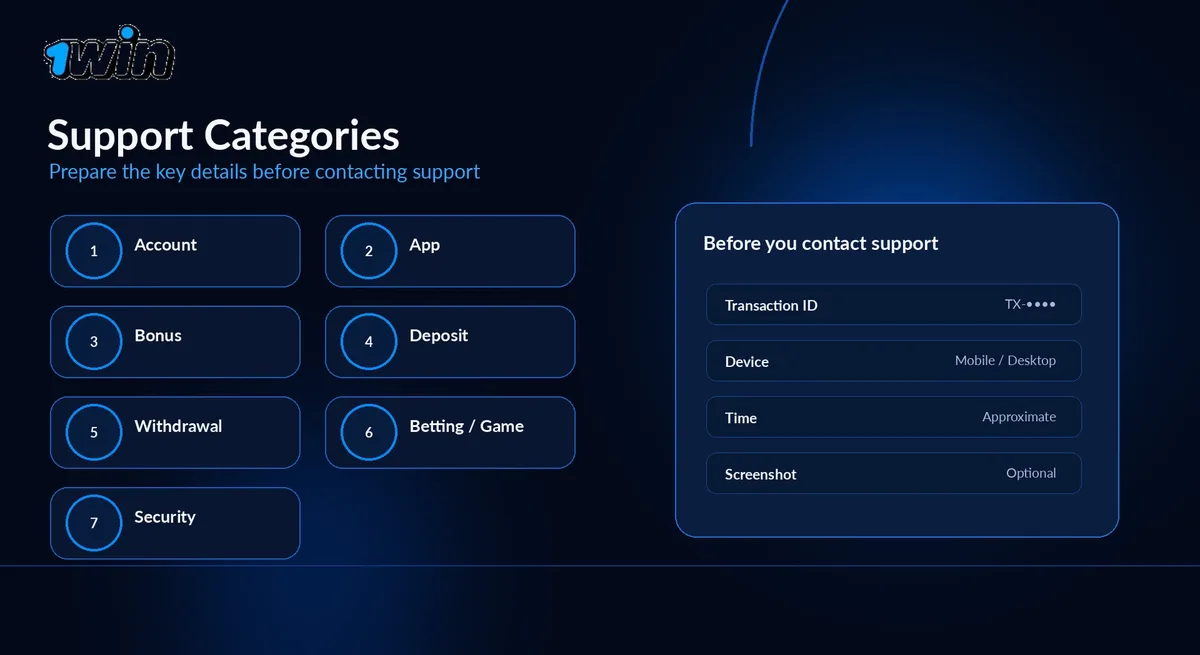
Before contacting 1win support, have your account email or username, any transaction ID, and a screenshot ready; it cuts the back-and-forth considerably.
The table below routes each common issue to what to check first and which channel fits best.
| Issue category | Check first | Prepare | Channel |
|---|---|---|---|
| Registration / account access | Correct email, spam folder for verification mail | Email or phone used to sign up | Live chat |
| App / website | Update the app, clear cache, try the website | Device type, error message or screenshot | Live chat |
| Bonus / promotion | Bonus terms — wagering, eligible games, expiry | Promotion name, account email | Live chat or email |
| Deposit | Bank/wallet confirmation the payment sent | Transaction ID, time of payment | Live chat |
| Withdrawal | Normal processing window, verification status | Request time, payment method | Live chat or email |
| Betting / games | Settled bet slip or game round history | Event/round details, time it happened | Live chat |
| Security | Nothing — contact support directly | Account email, description of what happened | Phone or live chat |
Email keeps a written trail; live chat gets there first when it’s urgent.
Registration and Account Access Issues
For registration or login problems, check the registration guide first, then contact live chat with the email or phone number used to sign up if the account still won’t unlock. Most access issues come down to a typo in the login field, an unverified email, or a password reset that never went through.
If that doesn’t resolve it, live chat can check the account status directly. Have the exact email or phone number used at signup on hand; a mismatched detail is the most common reason a conversation drags on.
App and Website Issues
For app or website problems, update or reinstall the app, or try the website version, before contacting support; most issues clear up at that stage. Crashes and freezes are often tied to an outdated app version or a patchy connection rather than the account itself.
If a specific error message keeps appearing, a screenshot is worth more to support than a description in words. Mention the device and browser or app version too; that alone often narrows down the cause.
Bonus and Promotion Issues
If a bonus hasn’t applied or the wagering progress looks wrong, check the bonus terms first, then contact support with the promotion’s name and your account email. Wagering requirements, eligible game categories, and expiry dates vary by offer, and many «missing bonus» cases turn out to be a condition that wasn’t met.
If the terms genuinely were met and the bonus still isn’t showing, support can check the promotion against the account directly. Naming the specific offer speeds this up. A rejected or unrecognized code specifically is more often a typo or a closed campaign than an account issue, so double-checking the code and confirming the promotion is still active is worth doing before contacting support.
Deposit Issues
If a deposit hasn’t landed, check the payment confirmation from your bank or e-wallet first, then contact support with the transaction ID and the time it was made. Most deposits reflect on the balance almost immediately; a delay usually means the payment is still processing on the provider’s side rather than lost.
Support can trace a specific transaction once they have the ID and rough timing, so locate both before starting the chat. Without them, the case often needs a follow-up message anyway. If the method itself is the question rather than a specific transaction, the payment methods page compares what’s generally available.
Withdrawal Issues
A delayed withdrawal is usually a verification check running its course rather than a lost payment; contact support with the request time and payment method if it runs well past the usual window. Withdrawals to a new payment method, or a first withdrawal on an account, are more likely to trigger an identity check, that’s routine, not a sign something went wrong.
If the wait genuinely looks unusual for your payment method, support can confirm where the request stands. Have the request time and method ready so they don’t have to search for it.
Betting and Game Issues
For a bet or game round that looks wrong, check the settled bet slip or game history first, then contact support with the event or round details and the time it happened. Odds can move before a bet confirms, and settlement sometimes lags slightly behind a live result; both are normal and usually resolve on their own.
If a round or match result still looks off after checking the history, support can pull up the specific event, provided the details are clear: the market, the approximate time, the game name.
Account Security and Suspicious Activity
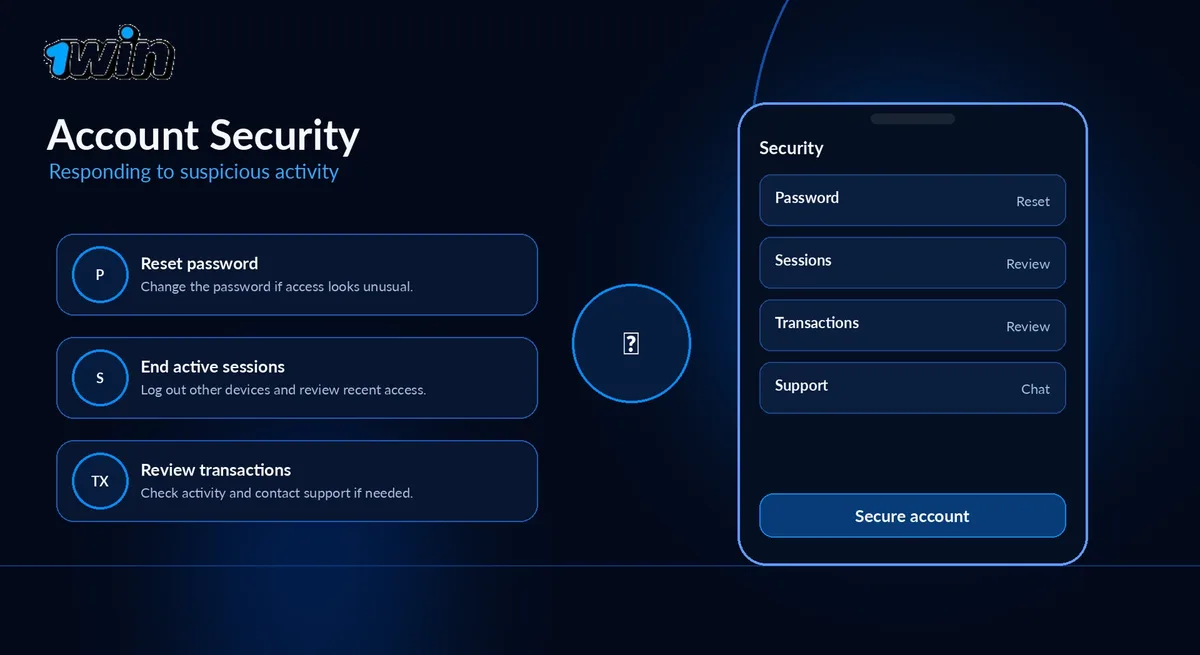
1win support never asks for your password or a one-time code; if anyone does, by phone, chat, or a Telegram message, treat it as an impersonation attempt. That holds even if the person already seems to know account details. Support can look up an account without ever needing the password itself.
If your account was accessed without permission, contact support through an official channel and change your password from a trusted device. To report suspicious activity or ask about a restriction, the Anti-Fraud Policy covers how that’s reviewed. For phishing and impersonation more broadly, the Malaysia Player Safety Centre has the fuller picture.
FAQ
Is live chat really faster than email?
Usually, yes. Live chat is built for real-time answers, while email suits anything less urgent or anything worth a written record.
I can’t remember which email I registered with — what now?
Try the emails and numbers you normally use for signups, then contact live chat if none work.
Can support check on a bonus that hasn’t shown up yet?
Yes. Give them the promotion name and your account email.
I got a message from someone claiming to be 1win support on Telegram — is that real?
Treat it as unverified. 1win doesn’t run official support through Telegram or WhatsApp; see the Malaysia Player Safety Centre for how to spot impersonation.
Does contacting support cost anything?
No. Live chat, email, and phone support are all free.